

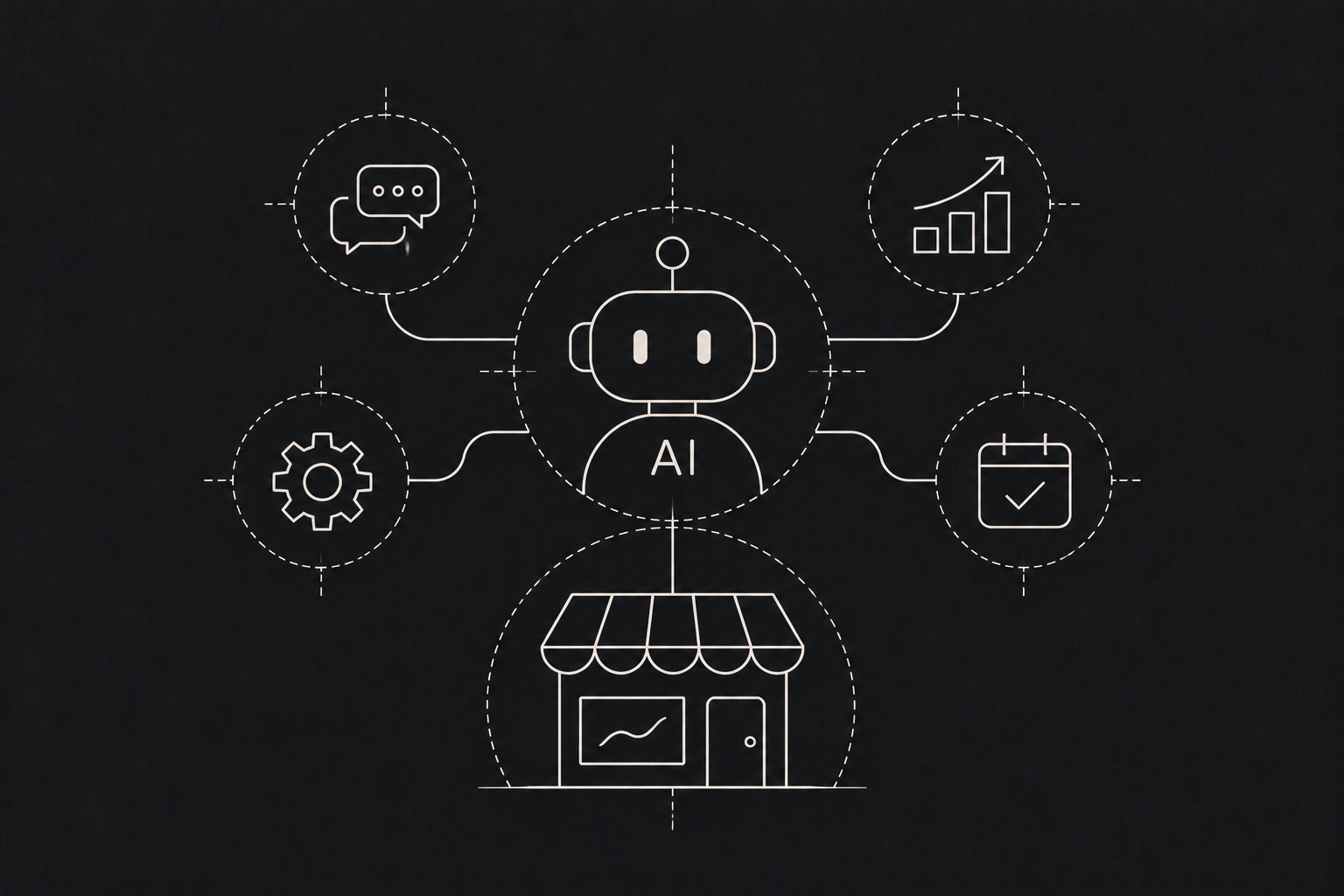
A chatbot answers questions. An AI agent gets things done. That is the simplest way to understand the difference, and it is why so many businesses are now asking about agents.
What an AI agent actually is
An AI agent is software that can take a goal, break it into steps and carry those steps out using the tools you give it. Those tools might be your email, your CRM, a spreadsheet, a database or an internal system.
Ask a chatbot "what is the status of order 4521?" and it might tell you where to look. Ask an agent the same thing and it can look up the order, check the courier's tracking page, notice the delay, draft a note to the customer and flag it for your team.
- 01
Goal
A task arrives by email, form or schedule.
- 02
Plan
Break the work into steps guided by your rules.
- 03
Act
Use approved tools such as a CRM, database or inbox.
- 04
Check
Review results and log the work for review.
- 05
Hand off
Finish safely or ask a person to approve risky steps.
The key ingredients are:
- A language model that understands instructions and can reason through steps.
- Tools it is allowed to use, like reading a database or sending an email.
- Rules and limits that define what it can and cannot do without a human.
- Memory or context so it knows what has already happened.
Where agents are useful today
Customer support follow through. Not just answering, but actually processing a refund request, updating an address or booking a callback, within the limits you set.
Sales admin. Researching a new lead, filling in CRM fields, drafting a first outreach email and scheduling a follow up reminder.
Operations checks. Watching for stock running low, overdue invoices or missed deliveries, then raising an alert or starting the next step.
Document workflows. Receiving a document, pulling out the key details, checking them against your records and routing it for approval.
Internal helpdesk. Answering staff questions about policies and processes, and handling simple requests like leave balances or password resets.
Where to be careful
Agents act, and that is exactly why they need guardrails. Gartner predicts that more than 40% of agentic AI projects will be cancelled by the end of 2027 because of escalating costs and unclear business value, so start with a clear job and clear limits.
- Start with low risk tasks. Let an agent draft before it sends, and suggest before it decides.
- Keep a human in the loop for anything costly or irreversible. Payments, contracts and anything customer facing at scale.
- Log everything. You should be able to see what the agent did and why.
- Limit access. Give it only the tools and data it needs for its task. An agent that sometimes needs correcting is still useful if correcting it is easy. An agent that can quietly make expensive mistakes is not. The OWASP Top 10 for Large Language Model Applications and the NIST AI Risk Management Framework are both helpful guides to the risks worth planning for.
How to get started
Pick one workflow that is repetitive, involves several steps across a few tools, and currently eats up someone's day. Map out the steps a person takes. That map becomes the agent's job description.
Build a small version, run it alongside the person doing the work, and compare. Once it is reliable, let it take over more of the load, moving up one level of freedom at a time.
An example agent, step by step
Consider a small online store that receives refund requests by email. An agent could read each request, find the matching order, check it against the store's refund policy and the delivery status, and then prepare a decision: approve, decline with a reason, or pass to a person. In the first weeks it only drafts replies, and a staff member approves each one. Once the drafts are consistently right, the store lets the agent process simple refunds below a set value on its own, while anything unusual still goes to a person. Every action is logged, so the team can review exactly what happened.