

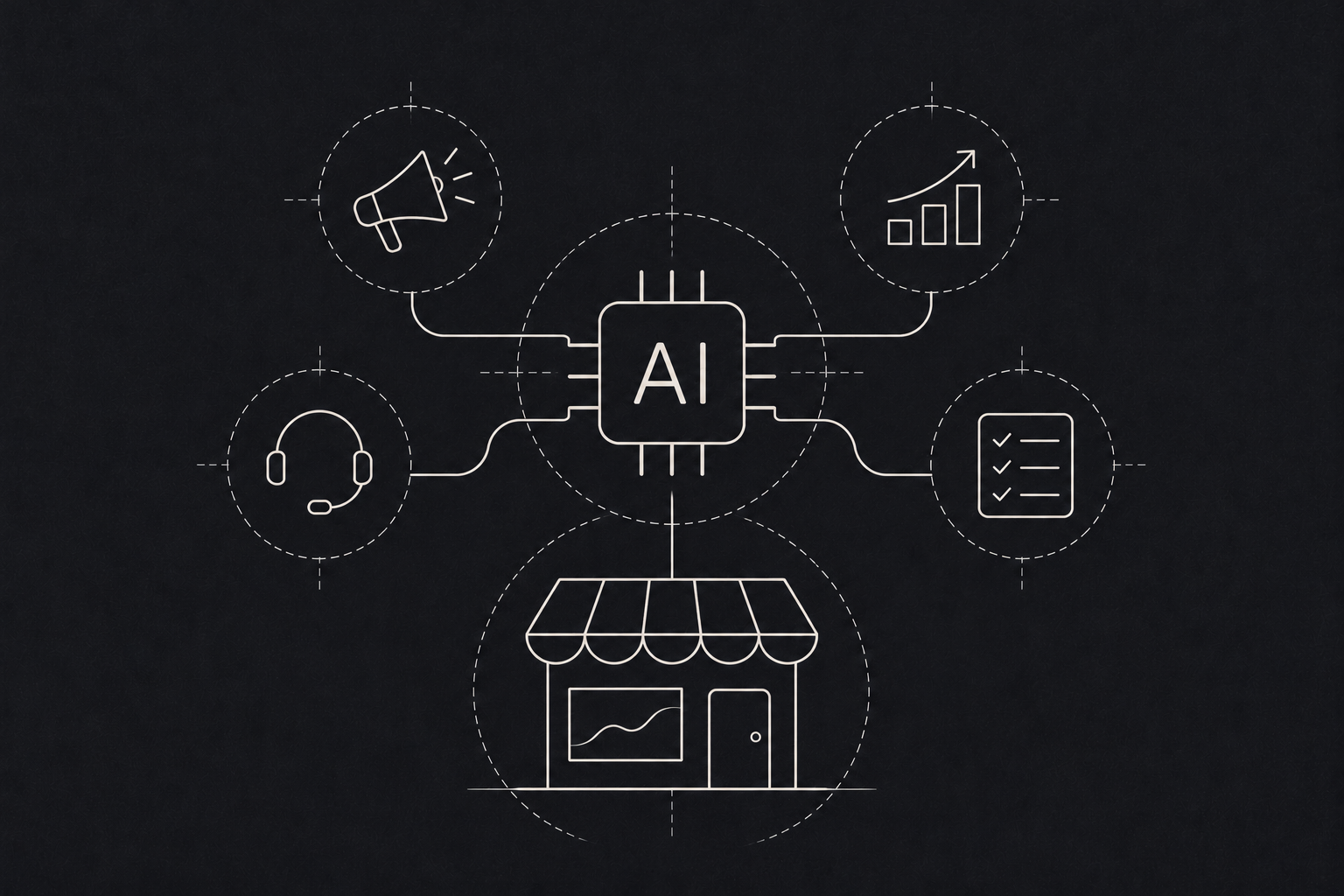
If you run a small or midsize business, you have probably heard that AI will change everything. You may also have tried a chatbot or two and wondered what the fuss was about.
The truth sits in between. AI is very good at a handful of specific jobs. It is still poor at others. The trick is knowing which is which before you spend money. Adoption is already real: an OECD survey of more than 5,000 SMEs across seven countries found that 31% were using generative AI.
Five jobs AI does well today
- 01
Read
Documents and forms. Less typing.
- 02
Answer
Repeat questions. Faster replies.
- 03
Sort
Tickets and emails. The right person first time.
- 04
Draft
First versions. No blank page.
- 05
Find
Answers in your files. Knowledge reused.
Where AI tends to pay off
Reading documents. Invoices, purchase orders, delivery notes, application forms, ID documents. If someone on your team spends hours typing information from documents into a system, AI can do most of that typing. A person still checks the output, but checking is much faster than entering.
Answering repeat questions. Order status, opening hours, return policies, fee structures. A well set up assistant trained on your own information can handle the routine questions on your website or WhatsApp and pass anything tricky to a human.
Sorting and routing. Support tickets, sales enquiries, emails. AI can read each message, work out what it is about and how urgent it is, and send it to the right person. Small change, big relief for whoever currently does it by hand.
Drafting first versions. Product descriptions, proposal sections, replies to common emails, meeting summaries. The draft will need editing. It still saves the blank page. Finding answers in your own information. Most businesses have years of knowledge buried in folders, manuals and old emails. An internal search tool that understands questions in plain language can make that knowledge usable again.
Where it usually doesn't
- Decisions that need judgement and accountability. Approving a loan, firing someone, diagnosing a patient. AI can support these, but a person should own them.
- Problems with no data. AI learns from examples. If you have no records of the thing you want it to do, it has nothing to learn from.
- Processes that are already broken. Automating a messy process gives you a faster messy process. Fix the workflow first.
- Anything where a wrong answer is costly and hard to spot. AI can sound confident and still be wrong. Use it where mistakes are easy to catch.
How to pick your first AI project Look for a task that is repetitive, happens often, follows a fairly clear pattern and currently takes up real staff time. Then ask: if the AI got this wrong one time in twenty, would someone notice and could they fix it easily? If yes, it is a good candidate.
Start with one task. Measure how long it takes now. Measure again after. That gives you a clear answer on whether it worked, rather than a vague feeling.
Data, privacy and trust
Before any AI tool touches customer or staff data, decide what it is allowed to see, where that data is stored and who can review its output. Write it down. The NIST AI Risk Management Framework is a useful, free reference for thinking through these risks, even for a small team. Clear rules up front make it much easier to expand AI use later with confidence.
A note on cost
You do not need to train your own model. For most small businesses, the right approach is to use an existing model and connect it carefully to your own data and tools. That keeps costs sensible and gets you results in weeks, not months.
What a first AI project looks like in practice
Imagine a distributor whose office team types details from hundreds of supplier invoices into its accounting system every month. A first project would connect an existing AI model to the inbox where invoices arrive, pull out the supplier, date, amounts and line items, and place them in a review screen. A team member checks each one and clicks approve. Nothing is paid without a person seeing it. After a month, the team compares time spent before and after, and decides whether to extend the same approach to delivery notes or purchase orders.