

Ask ten agencies what an MVP costs and you will get ten different numbers. Some of them will be a few weeks of work. Some will look like the budget for a full product. Both can be honest answers, because “MVP” means very different things to different people.
So instead of giving you a number that may have nothing to do with your idea, here is what actually drives the price. Once you understand these factors, you can read any quote and tell whether it makes sense, compare agencies fairly, and decide where your own money is best spent.
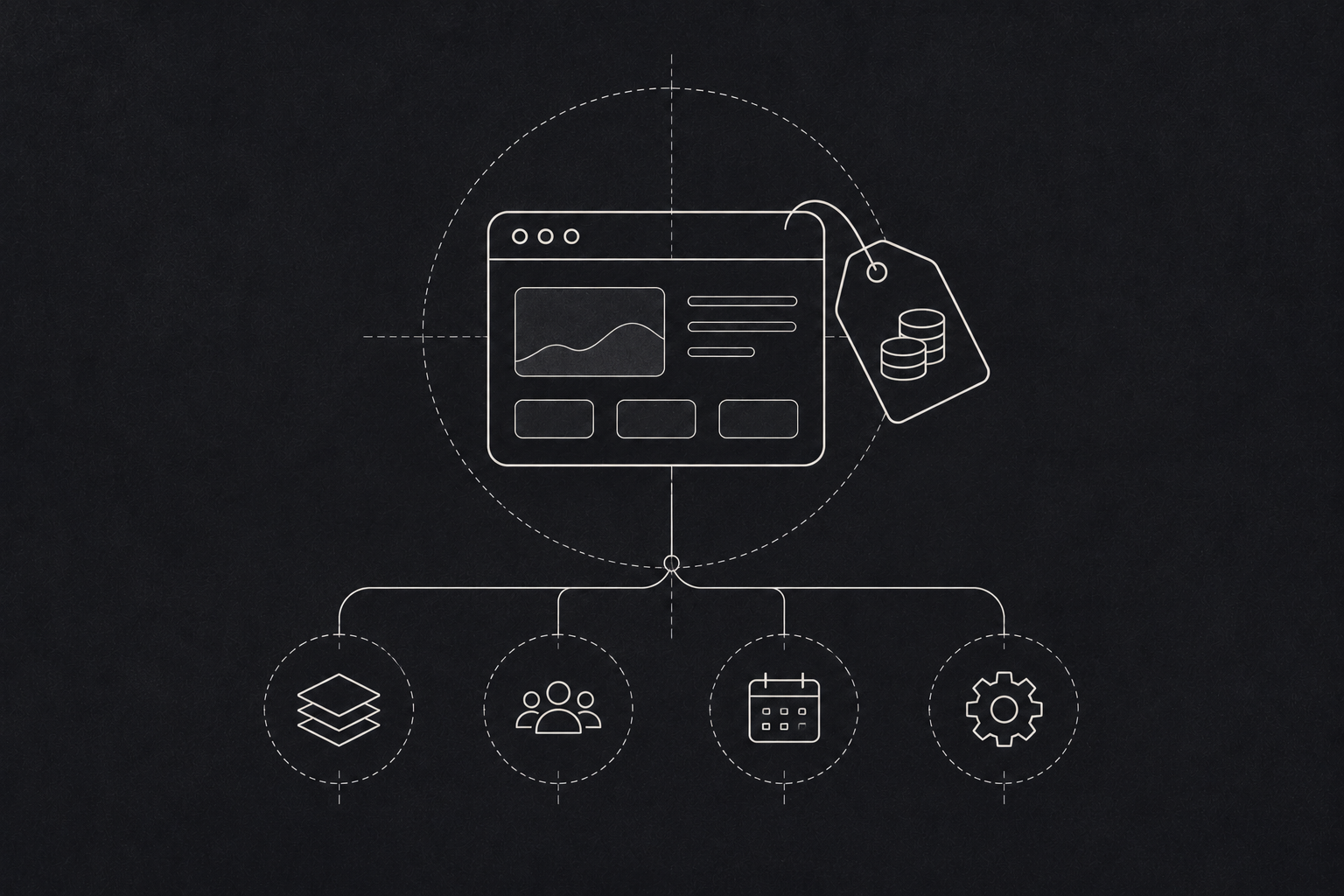
Where an MVP budget goes
What actually drives MVP development cost
How many things your MVP has to do
This is the biggest one by far. Every feature is design, code, testing and fixing. A product that does one job well costs a fraction of a product that does five jobs halfway.
Founders often arrive with a long feature list. When you ask which features a customer needs on day one to get value, the list usually shrinks to three or four. That conversation alone can take a big chunk out of the budget. That cut is worth making. When CB Insights analysed more than 400 startup shutdowns, poor product market fit was a reason in 43% of them, so budget saved on extra features is better spent finding that fit.
Who logs in, and how many kinds of users there are
A tool used by one type of person is simpler than a marketplace. The moment you have buyers and sellers, or patients and doctors, or drivers and dispatchers, you are building two or three products that talk to each other. Each user type needs its own screens, its own permissions and its own edge cases.
Integrations
Payments, maps, SMS, WhatsApp, accounting software, an existing database. Each connection takes time, and some are far messier than they look. A well documented payment gateway is a quick job. An old internal system with no proper API can eat weeks.
Web, mobile, or both
Building for web and two mobile platforms at once triples a lot of the work. For most MVPs we suggest starting with one. Usually that is a web app that works well on a phone browser, unless your product truly needs the camera, GPS or offline access that only a native app gives you.
Design depth
An MVP does not need a design system with two hundred components. It does need to be clear and easy to use, because confused users will not give you useful feedback. There is a middle ground between ugly and lavish, and that is where your MVP should sit.
Data, security and compliance
If you handle health records, payments or personal data, you cannot cut corners on security. That adds cost, and it should. Skipping it is how a cheap MVP becomes an expensive problem. The OWASP Top Ten is a good, free starting point for the basics every product should cover.
Who builds it, and where
Rates vary a lot between freelancers, small studios and large firms, and between countries. A lower rate is not always cheaper. A team that has built a dozen MVPs will usually ship faster and make fewer wrong turns than a cheaper team learning as it goes.
The cost drivers at a glance
| Cost driver | What pushes the price up | What keeps it down |
|---|---|---|
| Features | A long list of “must haves” | Three or four features tied to one problem |
| User types | Marketplaces, multiple roles and permissions | One user, one job |
| Integrations | Old systems with no proper API | Well documented, ready made services |
| Platforms | Web, iOS and Android at once | One mobile friendly web app |
| Design | Custom illustration and animation everywhere | A clean, simple interface |
| Security | Regulated data handled without a plan | Security scoped properly from day one |
| Team | A team learning on your budget | A team that has shipped MVPs before |
How to keep the cost down without making a bad product
- Write down the one problem you are solving. If a feature does not help solve it, park it.
- Pay for a short discovery phase first. A week of clear scoping saves far more than it costs.
- Use existing tools where you can. Login, payments, email and analytics do not need to be built from scratch.
- Plan for version two. The goal of an MVP is to learn. Keep some budget for what you learn.
- Agree on a single success measure before the build starts, so nobody adds features to chase a vague goal.
The question to ask any agency
Do not just ask “how much?” Ask “what exactly is included, and what is not?” A good quote lists features, platforms, integrations and what happens after launch. A vague quote is cheap until it isn’t.
| A good MVP quote includes | Why it matters |
|---|---|
| A feature by feature breakdown | You can see where the money goes and what to cut |
| Platforms and devices covered | Avoids surprises about mobile or browser support |
| Every integration named | Integrations are where hidden effort usually sits |
| Testing and launch support | Shows the team plans for real users, not just a demo |
| What happens after launch | Fixes and improvements need a plan and a budget |