

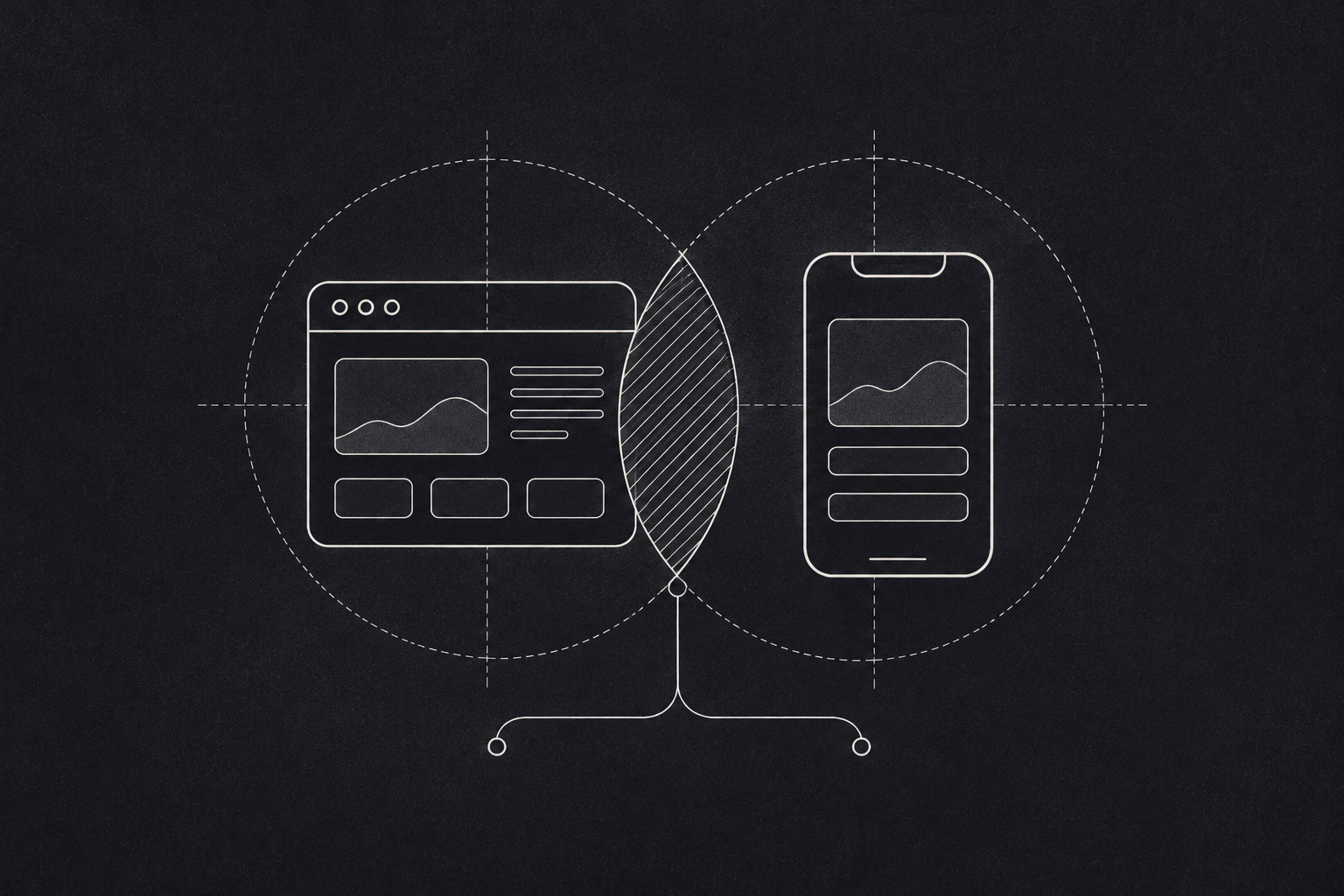
"We need an app" is one of the most common things founders say. Sometimes they are right. Often, what they really need is a product people can use on their phones, and that is not always the same thing as an app from an app store.
Here is how to decide where to start.
Three ways to reach a phone
- 01
Web app
Runs in the browser. Lowest cost and fastest changes.
- 02
Progressive web app
A web app that installs. The middle road.
- 03
Native or cross platform
From the app store. Deepest device access.
The case for starting with a web app
A web app runs in a browser. Built well, it works on laptops, tablets and phones from one codebase.
- One build, every device. You are not maintaining separate versions for iPhone, Android and desktop.
- No app store in the way. Users click a link and they are in. No download, no storage space, no waiting for store approval when you push an update.
- Faster changes. You can fix a bug or ship a feature and every user sees it at once.
- Easier to find. Web pages can show up in search results. App store listings are harder to get noticed in.
- Lower cost to start. For an MVP, this usually matters most.
Web apps suit products used at a desk, products people use occasionally, B2B tools, dashboards, portals and anything where you want people to try it with zero friction.
The case for starting with a mobile app
- Device features. Camera, GPS, Bluetooth, sensors and background tasks work better natively.
- Offline use. If users are often in places with weak or no signal, a mobile app can store data and sync later.
- Push notifications. Reliable, timely reminders that bring people back.
- Daily habit. An icon on the home screen keeps your product in front of people who use it every day.
- Smoother feel. Heavy, interactive experiences often run better as native apps.
Mobile first makes sense for field staff, delivery and logistics, health tracking, consumer products used daily, and anywhere connectivity is unreliable.
The middle road
There are two options worth knowing:
Progressive web apps. A web app that can be added to the home screen, work partly offline and send some notifications. It closes much of the gap at a fraction of the cost of native. Google's guide to progressive web apps is a good introduction.
Cross platform frameworks. Tools like Flutter and React Native let one team build for both iOS and Android from a shared codebase. Not quite as cheap as web, but far cheaper than two separate native apps.
- Where will people be when they use it? At a desk, or out in the field?
- How often? Daily habits favour mobile. Occasional tasks favour web.
- What is the connection like? Patchy networks push you towards mobile or a progressive web app with offline support.
- Do you need the camera, location or sensors? If yes, consider native or cross platform.
- How fast do you need to change things? Early products change a lot, which favours web.
A note for emerging markets
In many growing markets, people browse on lower cost Android phones with limited storage and data plans that run out. That changes the maths. A light web app or progressive web app that loads quickly and does not need a large download can reach far more people than a heavy native app. If your users are in these conditions, design for slow networks and small screens from the very first version. GSMA's Mobile Economy Africa research shows the size of the gap: 63% of people across Africa live within mobile broadband coverage but do not yet use mobile internet.
Our usual advice
For most first versions, start with a web app that works properly on a phone. Learn what users actually do. If the evidence points to mobile, build it next, now with a clear idea of what it needs to do.
The exception is when your core value depends on being in someone's pocket all day, or working without signal. Then start mobile. Planning the move from web to mobile
If you start with web, build it in a way that makes a later mobile app easier. Keep your business logic on the server behind a clean API, so a future app can reuse it instead of duplicating it. Track which features people use on their phones and where they struggle. When you do build the app, you will already know which screens matter most, and you can launch with a focused version rather than copying everything from the web.